Device Port Security Solutions for USB & RJ45 Ports
A company invests in firewalls, endpoint protection, and advanced monitoring. Every digital layer is secured.
Yet the breach doesn’t come from a complex cyberattack. It comes from something simpler.
A USB drive is plugged into an open port.
An unused Ethernet port is connected to an unauthorized device.
No alerts. No warnings. Just a silent entry point at the hardware level.
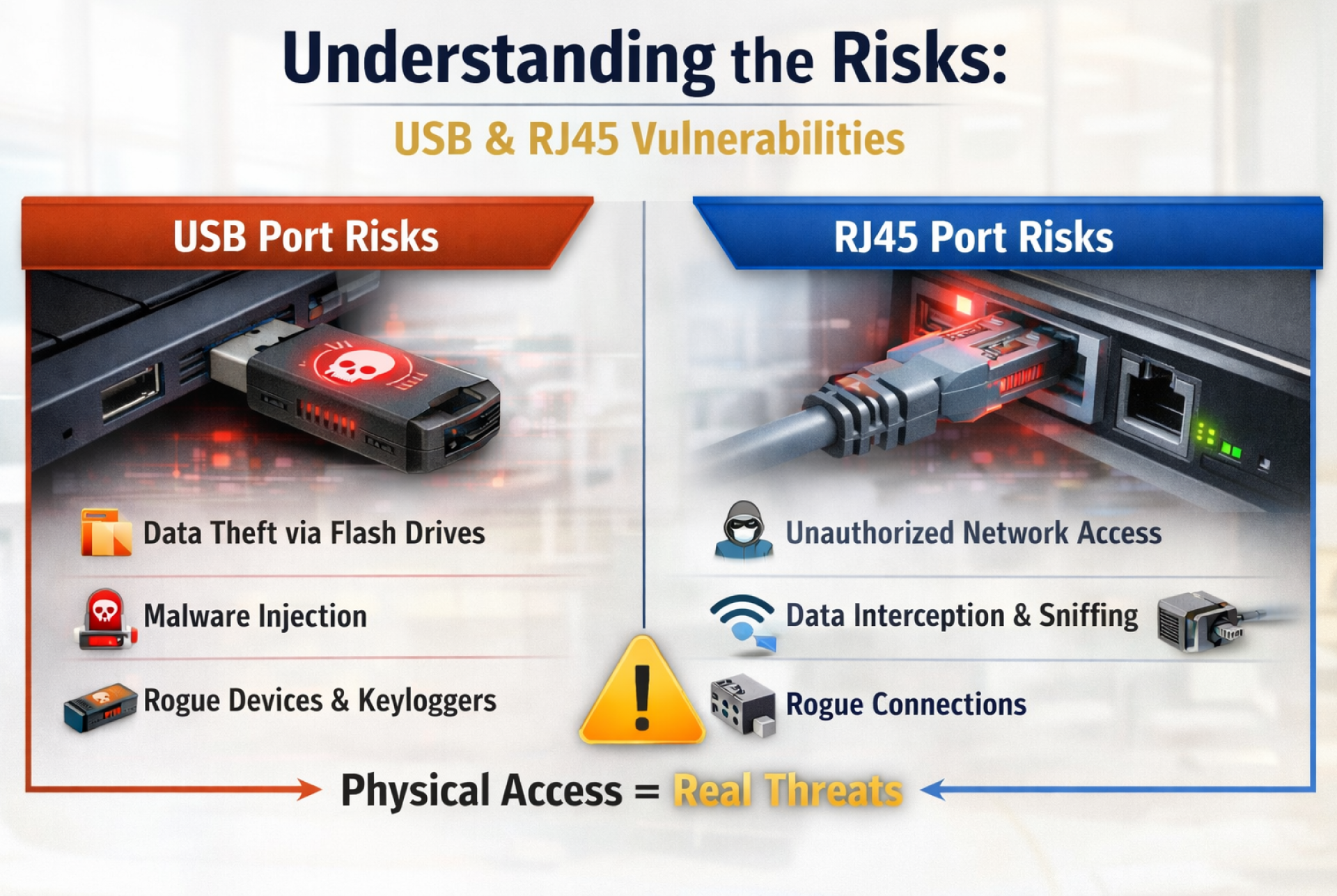
This is the gap most organizations overlook. As cybersecurity evolves, device ports remain one of the most exposed vulnerabilities, enabling data theft, malware injection, and unauthorized access, especially in hybrid and shared environments.
Today, protecting data isn’t just about software. It’s about controlling access at the most fundamental level, the port itself.
Why Port-Level Security Matters More Than Ever?
Cybersecurity today is more advanced than it has ever been. Organizations are investing in AI-driven threat detection, zero-trust architectures, and robust endpoint protection systems. But despite all this progress, one simple reality remains:
If someone can physically access a device, they can often bypass even the most sophisticated digital defenses.
This is where port-level security becomes critical.
The Rise of Insider and Physical Threats
Not all threats come from external hackers. In fact, a growing percentage of security incidents originate from within, whether intentional or accidental.
- An employee plugs in an unauthorized USB drive
- A visitor connects to an open Ethernet port
- A contractor uses a personal device on a corporate system
These actions may seem harmless, but they can lead to:
- Data exfiltration
- Malware injection
- Unauthorized network access
And the most concerning part? These activities often go undetected until the damage is already done.
Hybrid Work Has Expanded the Risk Surface
With hybrid and distributed work environments becoming the norm, organizations no longer operate within tightly controlled physical spaces. Devices move between:
- Offices
- Homes
- Co-working spaces
- Public environments
This shift has made it significantly harder to monitor and control physical access to systems. Even a well-secured laptop becomes vulnerable if its ports are left open in an uncontrolled setting.
Compliance and Data Protection Pressures
Industries like finance, healthcare, and government are under increasing pressure to protect sensitive data. Regulations and compliance standards are becoming stricter, and organizations are expected to demonstrate end-to-end security not just at the software level. Leaving ports unsecured can:
- Violate compliance requirements
- Increase audit risks
- Exposes organizations to financial and reputational damage
Software Alone Isn’t Enough
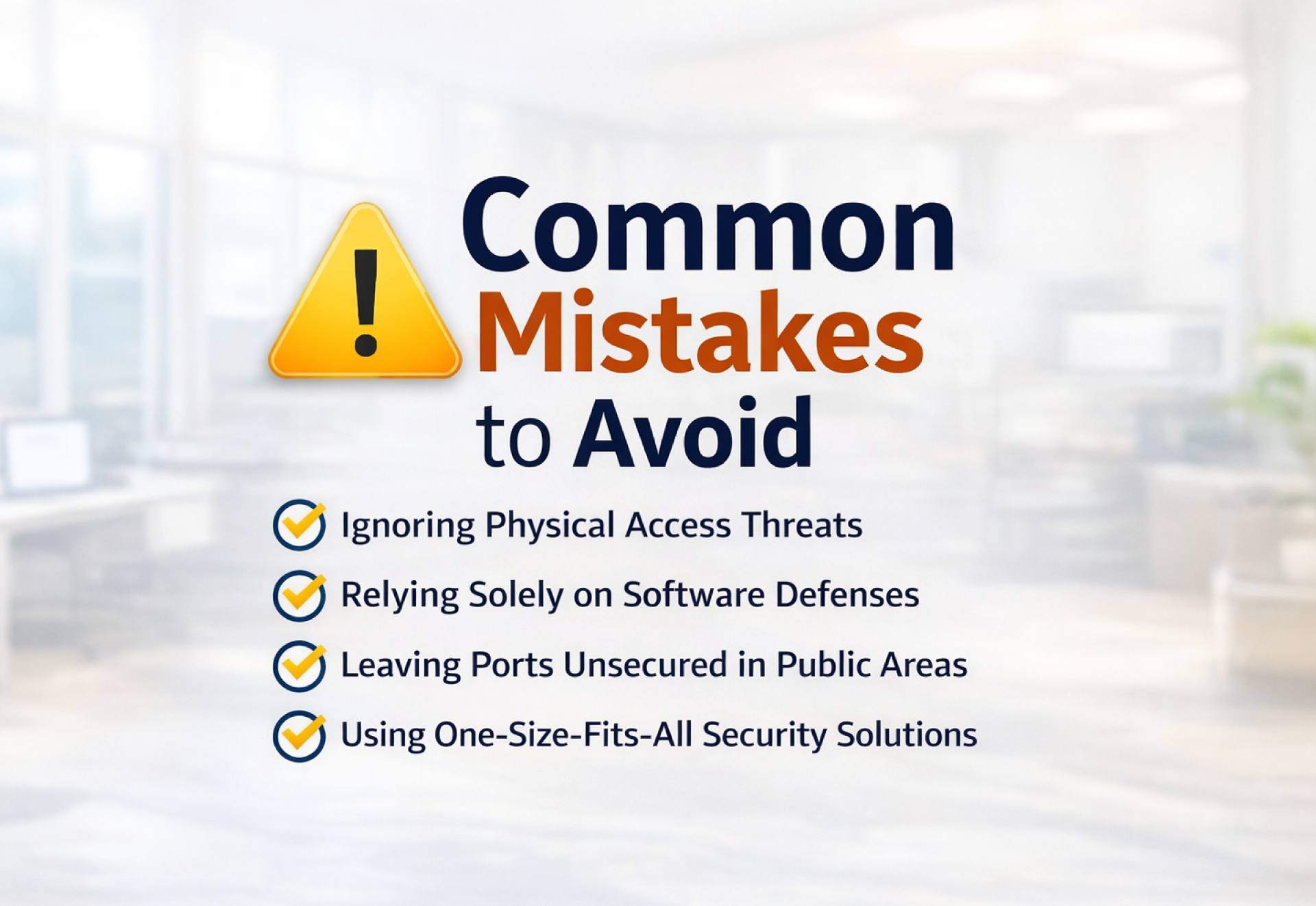
Most organizations rely heavily on software-based controls, such as antivirus software, firewalls, and access management systems. While these are essential, they are primarily designed to detect and respond to threats.
Port-level security, on the other hand, is about prevention. It eliminates the risk before it even has a chance to occur.
By physically blocking access to USB and RJ45 ports, organizations can:
- Prevent unauthorized devices from being connected
- Reduce dependency on monitoring and detection
- Strengthen their overall security posture with minimal complexity
The Shift Toward Layered Security
Modern cybersecurity is no longer about a single line of defense. It’s about building multiple layers that work together. Port-level protection adds a critical physical layer to this approach—ensuring that even if other systems fail or are bypassed, the first point of entry remains secured. Because sometimes, the most effective way to stop a threat… is to never let it connect in the first place.
Device Port Security Solutions for USB & RJ45 Ports
USB Port Lock Solutions: How They Protect Your Systems
USB ports are one of the most commonly used and misused access points in any organization. From data transfer to peripheral connectivity, they offer convenience. But that same convenience also makes them a high-risk entry point. USB port lock solutions are designed to physically block access to these ports, ensuring that only authorized usage is allowed.
Types of USB Port Locks
Depending on the environment and level of control required, organizations can choose from different types of USB port locks:
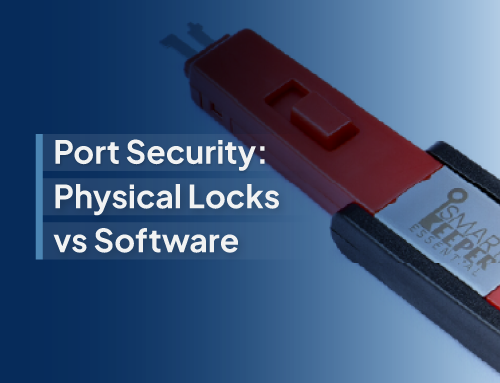
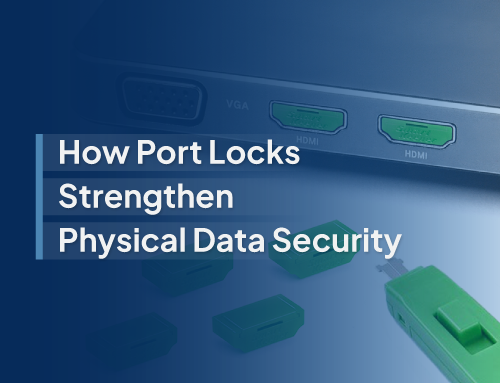
- Standard USB Locks: Designed for regular USB-A ports, ideal for desktops and laptops
- Compact / Low-Profile Locks: Minimal design for tighter spaces or sleek devices
- Multi-Port Locking Systems: Solutions that can secure multiple ports simultaneously
- Custom-Key Systems: Locks that require specific keys, allowing controlled access across teams
These solutions are simple to deploy and do not require any software installation—making them highly effective for large-scale rollouts.
Where USB Port Locks Are Most Effective?
- Corporate Offices: Prevent employees or visitors from plugging in unauthorized USB drives, reducing the risk of data leaks or malware infections.
- Public Systems (Kiosks, Libraries): Ensure that shared systems cannot be misused for data transfer or malicious activities.
- Healthcare Environments: Protect sensitive patient data on shared terminals and medical systems where multiple users interact with devices daily.
Key Benefits of USB Port Lock Solutions
- Prevent Unauthorized Data Transfer: Stops data from being copied to or from external devices without approval
- Block Unknown or Rogue Devices: Eliminates risks from infected USB drives or unauthorized peripherals
- Reduce Insider Threat Risk: Adds a layer of control where policies alone may not be enough
By physically securing USB ports, organizations can remove one of the most common pathways for data breaches without adding complexity to their existing security systems.
RJ45 Port Lock Solutions: Securing Network Access Points
While USB ports are often associated with data transfer risks, RJ45 ports present an equally critical vulnerability to direct access to the network itself.
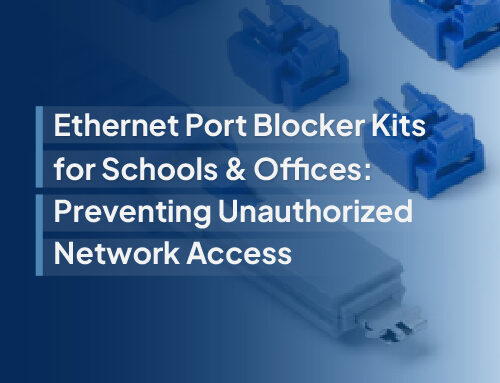
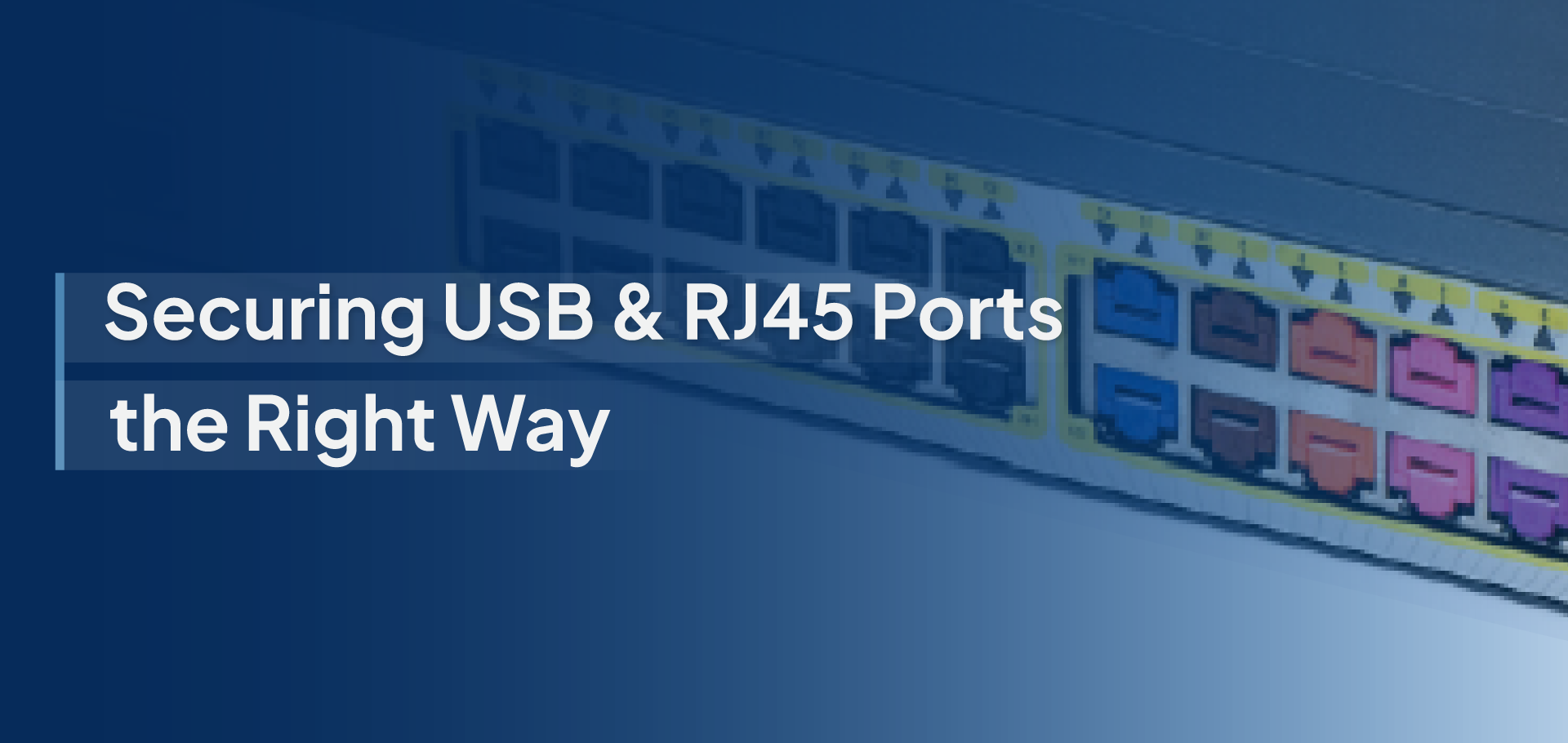
An open Ethernet port can allow anyone to connect a device and gain access to internal systems, often bypassing traditional security controls. RJ45 port lock solutions address this by physically blocking unused or unauthorized network ports, ensuring that only approved connections are possible.
How RJ45 Port Locks Work?
RJ45 locks are inserted directly into Ethernet ports, preventing any cable from being connected unless the lock is removed using a designated key. This simple mechanism:
- Restricts physical access to the network
- Ensures only authorized personnel can activate ports
- Adds a strong first layer of defense at the hardware level
Where RJ45 Port Locks Are Critical?
- Data Centers: Protect high-value infrastructure from unauthorized access or accidental connections.
- Open Office Networks: Prevent employees or visitors from plugging into unused wall ports and accessing internal systems.
- Educational Institutions: Secure networks in classrooms, labs, and shared environments where multiple users have physical access.
Key Benefits of RJ45 Port Lock Solutions
- Prevent Unauthorized LAN Access: Blocks unknown devices from connecting to the internal network
- Maintain Network Integrity: Ensures only approved and monitored connections are active
- Reduce Risk of Network Breaches: Minimizes the chances of internal network compromise through physical access points
In a world where network access equals data access, leaving Ethernet ports unsecured is a risk organizations can no longer afford. RJ45 port locks provide a simple yet powerful way to close that gap, right at the source.
SmartKeeper’s Approach to Port-Level Security
SmartKeeper takes a hardware-first, prevention-driven approach to endpoint security, focusing on eliminating risks at the point of access rather than reacting after a breach occurs. Instead of relying solely on monitoring or software restrictions, SmartKeeper secures USB and RJ45 ports through tamper-resistant physical locks that block unauthorized connections entirely.
At the core of the solution is a unique key-based locking system, allowing organizations to control which ports can be accessed, by whom, and when. This ensures standardized security across teams while still enabling controlled flexibility for IT administrators.
Designed for real-world environments, SmartKeeper solutions are easy to deploy, require no system downtime, and integrate seamlessly with existing infrastructure. Whether securing a single workstation or scaling across enterprise networks, the approach remains consistent, simple, reliable, and effective.
By combining ease of use with strong physical protection, SmartKeeper helps organizations close one of the most overlooked security gaps right at the port level.
Device Port Security Solutions for USB & RJ45 Ports
Future of Endpoint Security: Hardware + Software Together
The future of endpoint security lies in combining hardware and software defenses into a unified strategy. While software continues to evolve with AI-driven detection and real-time monitoring, it can only respond to threats after they appear. Hardware-based security, on the other hand, focuses on preventing access at the source.
Together, they create a layered, defense-in-depth approach, where software monitors and responds, and hardware blocks unauthorized entry points altogether. As work environments become more distributed and threats more sophisticated, organizations will increasingly rely on this combination to ensure complete protection, starting not just at the network or system level, but right at the physical port.
In today’s security landscape, even the smallest vulnerabilities can lead to significant risks. USB and RJ45 ports are often overlooked; they can become direct gateways for data breaches if left unprotected.
By adding port-level security, organizations take a proactive step toward preventing threats before they occur, not just responding to them.
Solutions like SmartKeeper make it simple to secure these entry points, strengthening your overall security posture with minimal effort.
Because true protection doesn’t just happen at the network or software level, it starts right at the port.