Cable Lock Devices
Unauthorized access doesn’t always happen through sophisticated hacking tools or complex malware. Sometimes, it starts with something far simpler, a device left unprotected on a desk, an open port on a workstation, or a piece of equipment that can be easily unplugged or removed. In offices, data centers, schools, and public workspaces, physical access to devices can quickly turn into a serious security risk.
This is why organizations are increasingly paying attention to physical IT security, not just digital defenses. Cable lock devices play a critical role in this layer of protection by securing equipment and preventing unauthorized handling or removal. In this article, we explore why cable lock devices are becoming an essential part of modern security strategies and how they help organizations protect both their hardware and sensitive data.
Definition of Cable Lock Devices
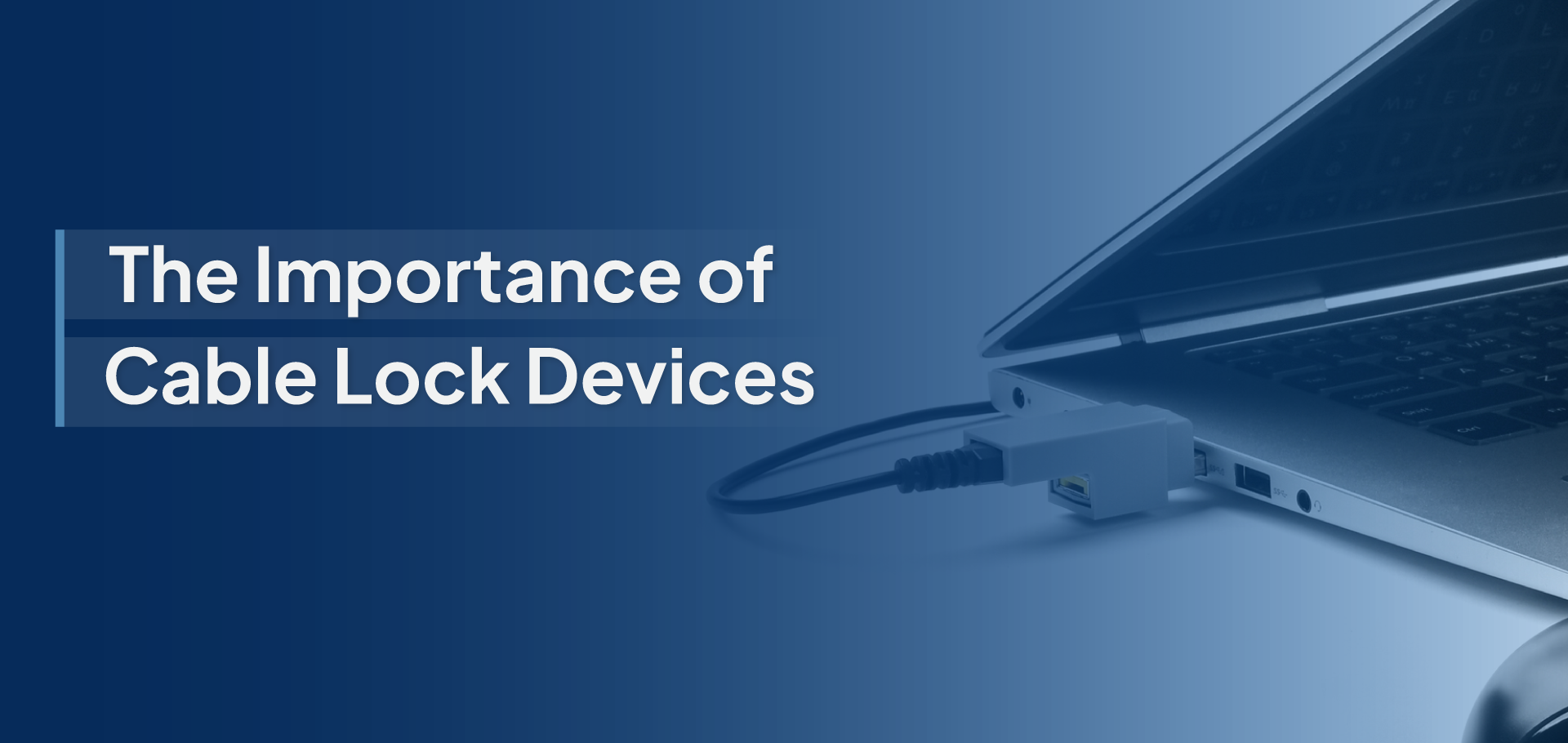
Cable lock devices are physical security tools designed to secure computers, laptops, monitors, and other IT equipment to a fixed structure to prevent unauthorized removal or tampering. These locks typically consist of a durable steel cable attached to a locking mechanism that connects to a device’s security slot or designated locking point. Once locked, the device is physically anchored to a desk, workstation, rack, or other immovable object.
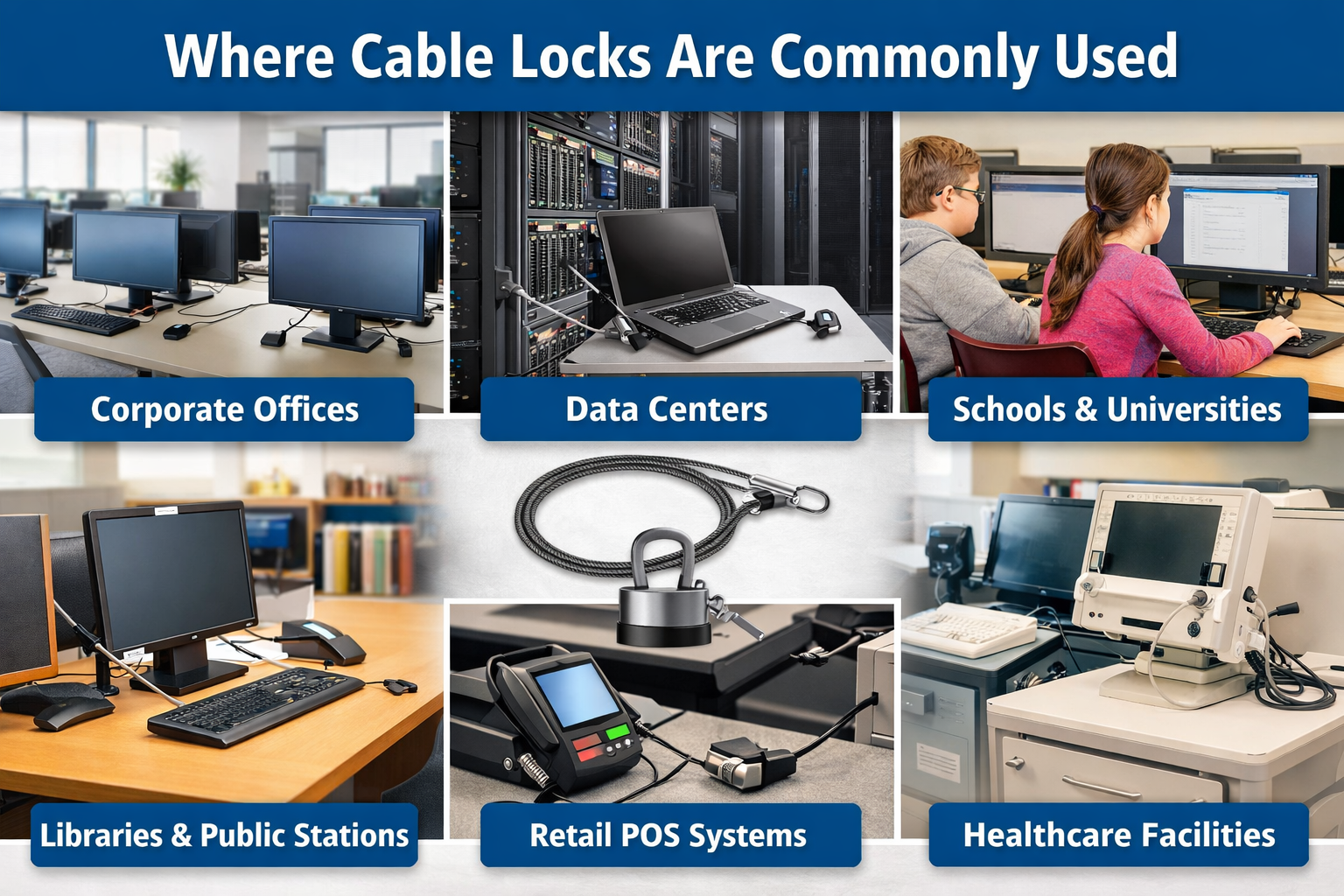
By restricting physical access and movement of devices, cable lock systems act as a simple yet highly effective deterrent against theft and unauthorized handling. They are widely used in corporate offices, educational institutions, public computer areas, and data-sensitive environments where protecting equipment and the information stored on it is critical.
Cable Lock Devices
The Risks of Unauthorized Physical Access
While many organizations focus heavily on digital cybersecurity, physical access to devices can create equally serious security vulnerabilities. When computers, laptops, or network equipment are left unprotected, unauthorized individuals may gain the opportunity to steal devices, access sensitive information, or tamper with critical systems. Understanding these risks highlights why physical security measures, such as cable lock devices, are essential.
- Device Theft: Laptops, tablets, and portable workstations are among the easiest targets for opportunistic theft. In open offices, shared workspaces, libraries, and public environments, an unattended device can be quickly removed within seconds. Beyond the cost of replacing hardware, stolen devices may also contain confidential business information, making theft a significant security concern.
- Data Breaches Through Hardware Access: Unauthorized physical access to a device can allow individuals to retrieve sensitive data directly from the hardware. This may include company documents, customer information, financial records, or intellectual property. Even a brief period of access can enable someone to copy data onto external storage devices or manipulate system settings, potentially leading to serious data breaches.
- Hardware Tampering: When devices are physically accessible, there is also the risk of hardware tampering. Attackers may connect malicious peripherals, infected USB drives, or unauthorized hardware tools to compromise a system. These actions can introduce malware, install backdoors, or alter system configurations without immediate detection.
- Operational Disruption: The removal or tampering of critical devices can disrupt daily business operations. Missing laptops, compromised workstations, or altered hardware setups can lead to downtime, productivity loss, and costly recovery efforts. For organizations that rely on constant system availability, even a small physical security breach can create significant operational challenges.
How Cable Lock Devices Prevent Unauthorized Access?
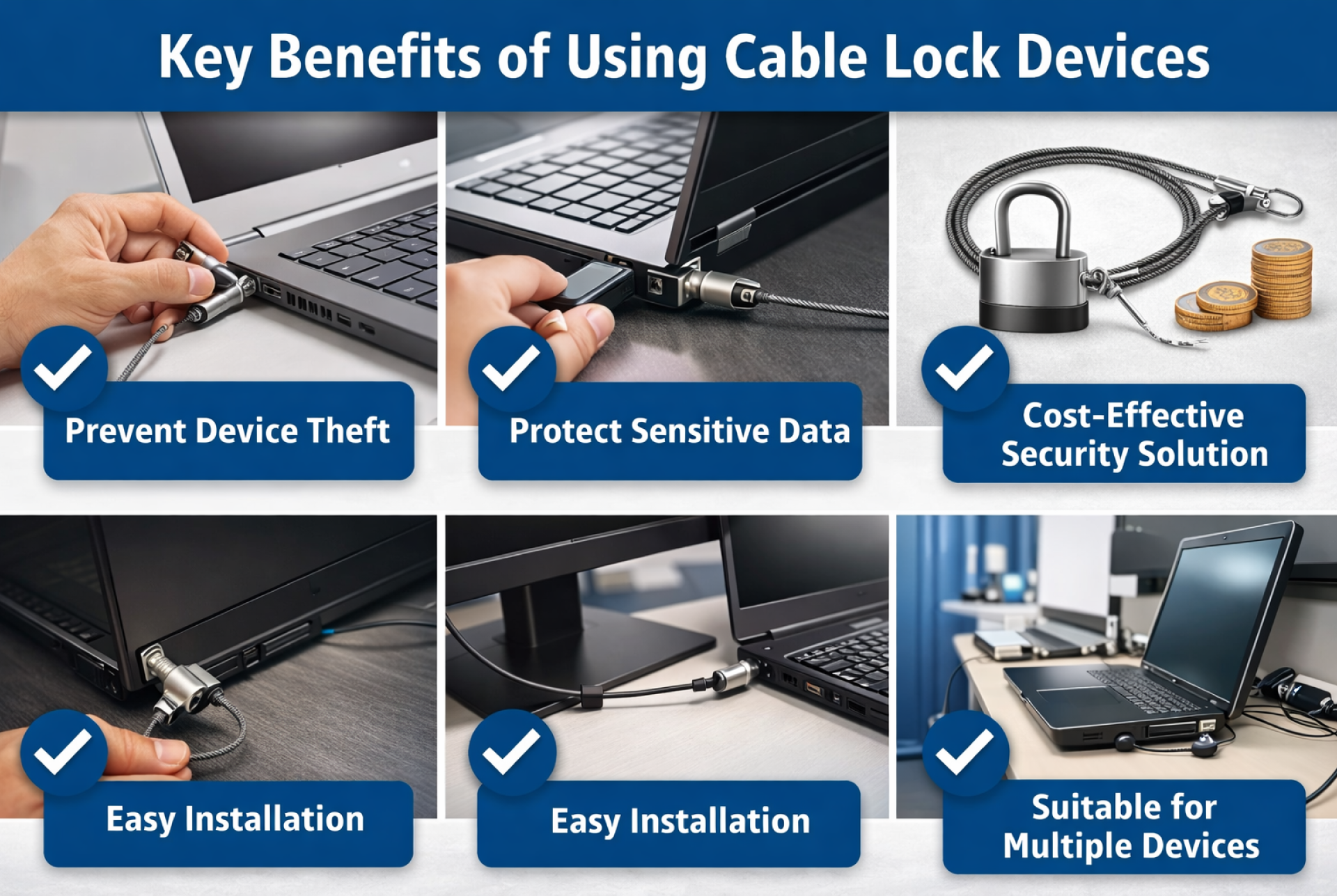
Cable lock devices provide a simple yet highly effective way to strengthen physical IT security. By securing devices directly to fixed structures, these locks help prevent unauthorized handling, removal, or tampering. When used as part of an organization’s broader security strategy, cable locks act as a practical barrier that protects both hardware and the sensitive data stored within it.
- Physically Secures Equipment: Cable lock devices anchor laptops, monitors, docking stations, and other equipment to desks, workstations, or fixed structures using a strong security cable and locking mechanism. Once locked in place, the device cannot be easily removed or relocated without the proper key or unlocking tool, significantly reducing the risk of theft.
- Acts as a Visible Deterrent: One of the biggest advantages of cable lock devices is their visible presence. When security measures are clearly visible, they discourage opportunistic theft and unauthorized access attempts. Potential intruders are far less likely to target equipment that is visibly secured and difficult to remove.
- Protects Shared Workspaces: In environments such as open offices, coworking spaces, libraries, classrooms, and public computer stations, devices are often accessible to many individuals. Cable locks help ensure that equipment remains secured even in high-traffic or shared environments where monitoring every device constantly is not always possible.
- Supports Organizational Security Policies: Cable lock devices add an important physical layer to IT security frameworks. While software-based protections and network security tools protect digital systems, physical locks ensure that hardware itself remains secure. When combined with other measures such as port blockers, access control systems, and security policies, cable locks contribute to a stronger, multi-layered security approach.
Cable Lock Devices
Best Practices for Implementing Cable Locks in Your Organization
Implementing cable lock devices is most effective when they are part of a structured physical security strategy. Organizations should identify high-risk devices, combine security solutions, and establish clear policies to ensure that cable locks are used consistently and effectively across the workplace.
- Secure High-Risk Devices First: Start by protecting devices that are most vulnerable to theft or unauthorized access. Portable and frequently used equipment should be prioritized because it is easier to remove or tamper with. Examples include:
-
- Laptops and mobile workstations are used by employees
- External storage devices that may contain sensitive data
- Portable workstations or shared computers in open environments
Securing these devices first helps reduce the immediate risk of theft and data exposure.
- Combine with Other Physical Security Solutions: Cable locks are most effective when used as part of a multi-layered physical security approach. Combining them with other protective measures strengthens overall device protection and reduces potential vulnerabilities. Examples include:
-
- USB port blockers to prevent unauthorized external device connections
- Rack security locks for securing server and network equipment
- Access control systems to restrict entry to sensitive areas
This layered approach ensures that both devices and their access points remain protected.
- Train Employees on Security Policies: Technology alone cannot ensure complete security. Employees should be trained to follow proper device security practices, including locking devices when not in use and understanding the importance of physical security. Clear policies and awareness programs help create a culture where protecting company equipment becomes a shared responsibility.
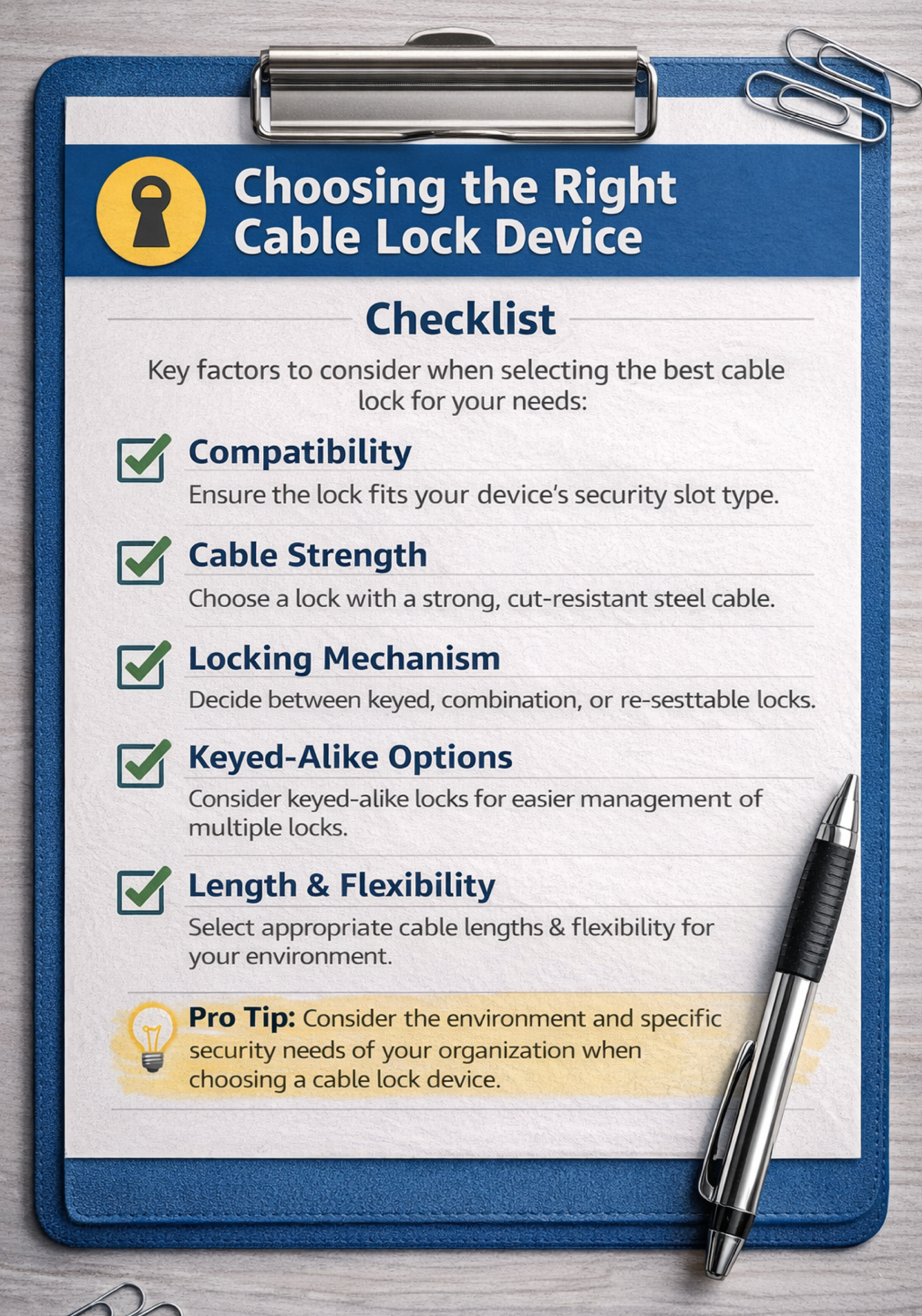
- Use Standardized Lock Systems: For organizations managing a large number of devices, using standardized lock systems simplifies deployment and maintenance. Keyed-alike or centrally managed locking systems allow IT teams to secure multiple devices with fewer keys while maintaining efficient access for authorized personnel. This approach improves scalability and makes security management easier across departments and locations.
Cable Lock Devices
Common Mistakes to Avoid When Securing Devices
Even when organizations deploy cable lock devices, certain oversights can reduce their effectiveness. One common mistake is anchoring locks to movable furniture, which makes it easier for devices to be removed despite being locked. Another issue is failing to secure high-risk or portable devices, such as laptops and external drives, that are frequently used in shared spaces. Some organizations also rely on low-quality or generic locking solutions that can be easily bypassed. Additionally, inconsistent enforcement of security policies can leave devices unlocked or unattended, creating opportunities for theft or tampering. Avoiding these mistakes helps ensure that physical security measures truly protect both equipment and sensitive data.
In today’s security landscape, protecting digital systems alone is not enough. Physical access to devices can quickly become a gateway to data theft, hardware tampering, and operational disruption if proper safeguards are not in place. Cable lock devices provide a simple yet highly effective way to secure equipment, deter unauthorized access, and strengthen an organization’s overall physical security posture. By implementing cable locks alongside other physical security measures and clear organizational policies, businesses can significantly reduce the risk of device theft and unauthorized handling. Solutions like those offered by SmartKeeper help organizations build a stronger, layered defense strategy that protects both critical hardware and the sensitive information stored within it.