Cable security locks
You lock your office doors.
You secure your systems with passwords, firewalls, and antivirus software.
But what about that one Ethernet cable quietly plugged into your network?
In many offices, network security is treated as a digital problem, while the physical side is almost invisible. An open port, a loose cable, or an unattended workstation can become the easiest entry point for unauthorized access.
Sometimes, it’s not a sophisticated cyberattack that causes a breach.
It’s a simple plug-in.
What Are Cable Security Lock Devices?
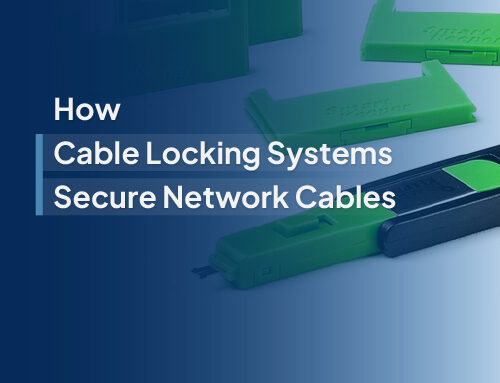
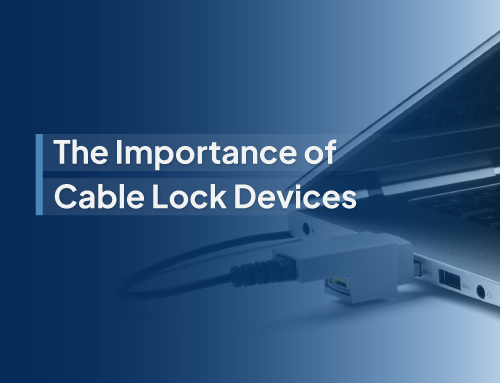
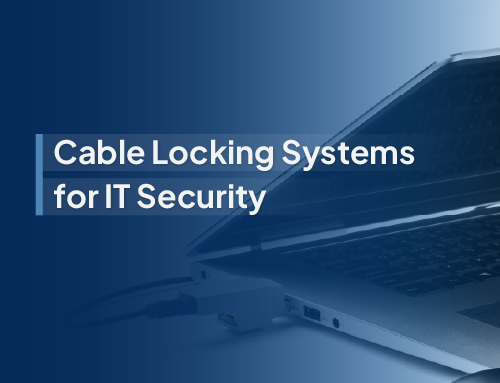
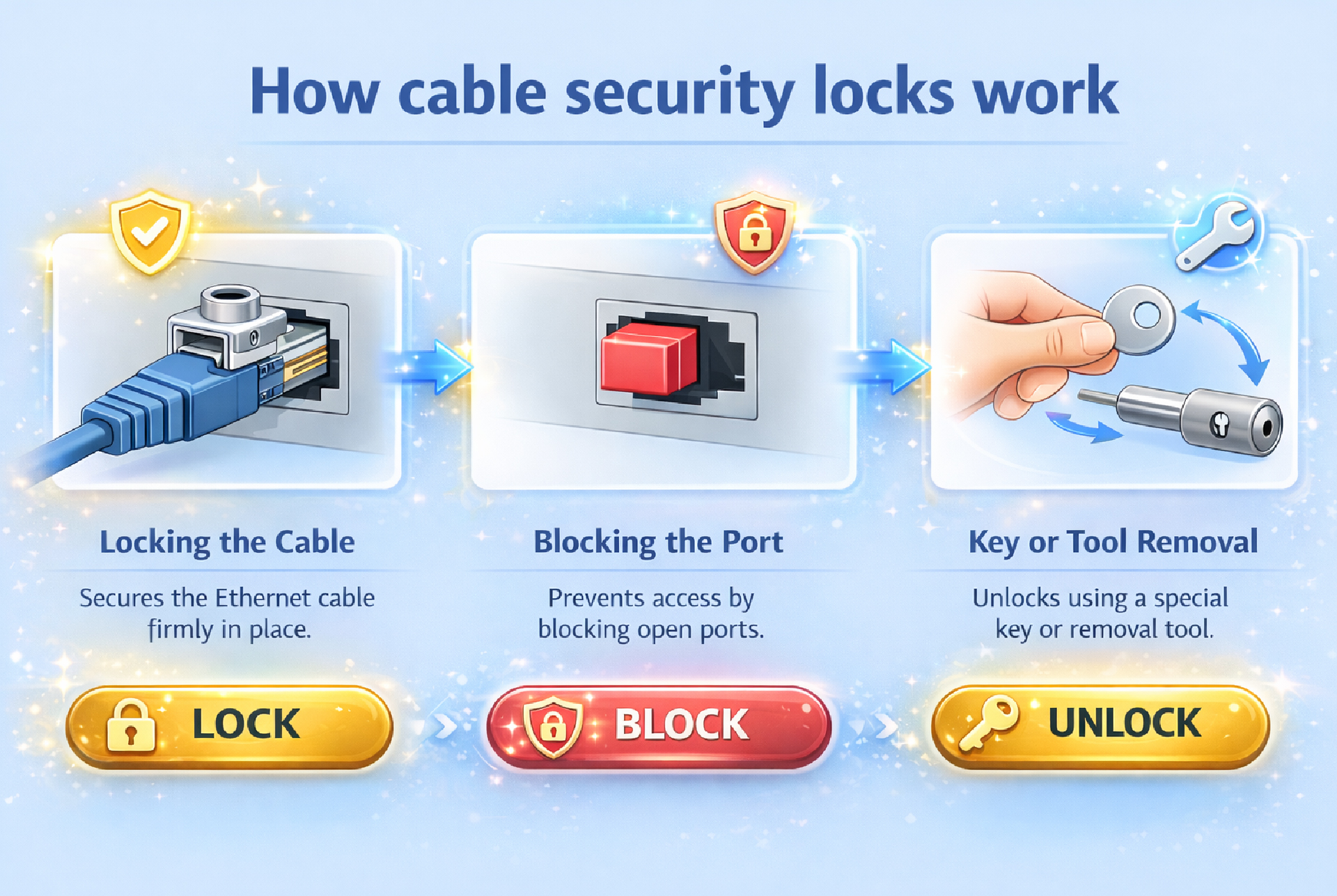
Cable security locks are physical security devices designed to protect network cables and ports from unauthorized access, tampering, or accidental disconnection. These devices lock cables in place or block ports entirely, ensuring that only authorized personnel can modify network connections.
They typically use a key-based or tool-based locking mechanism, making it difficult to unplug or replace cables without proper access. This adds an extra layer of protection to office networks—especially in environments where multiple users, shared workstations, or open access points are common.
Simple yet effective, cable security locks bridge the gap between digital security and physical network protection.
Key Risks of Unsecured Network Cables-
Unsecured network cables may seem harmless, but they can become one of the easiest entry points for security breaches and operational disruptions. Without proper physical protection, these connections are vulnerable to both intentional misuse and accidental interference.
Unauthorized Network Access: Open network cables allow anyone to plug into the system without detection. This can give unauthorized users direct access to internal networks, bypassing many digital security measures.
Data Theft and Malware Injection: Unprotected access points can be exploited to introduce infected devices or extract sensitive data. Even a single compromised connection can lead to widespread security issues across the network.
Network Downtime and Disruptions: Loose or exposed cables can be accidentally unplugged or tampered with, leading to unexpected downtime. In critical business environments, even short interruptions can impact productivity and operations.
Compliance and Security Violations: Many industries require strict data protection and IT security standards. Unsecured network infrastructure can lead to non-compliance, putting organizations at risk of penalties and reputational damage.
By addressing these risks with proper physical security measures, businesses can significantly strengthen their overall network protection.
Cable security locks
Best Practices for Securing Office Networks with Cable Lock Devices-
Implementing cable security lock devices is a simple step, but using them strategically is what truly strengthens your network security. Following the right practices ensures maximum protection and long-term reliability.
- Conduct a Physical Security Audit: Start by identifying vulnerable areas in your office network. Look for exposed cables, open Ethernet ports, shared workstations, and high-traffic zones where unauthorized access is more likely.
- Secure Critical Network Points First: Prioritize securing essential infrastructure such as servers, routers, switches, and admin systems. These are high-risk points where even minor tampering can have major consequences.
- Use High-Quality Locking Devices: Choose durable, tamper-resistant cable lock devices that are compatible with your network setup. Reliable products ensure long-term security without frequent replacements or failures.
- Implement Access Control Policies: Define who has the authority to install or remove cable locks. Restrict access to IT personnel or authorized staff to prevent misuse or accidental removal.
- Combine with Other Security Measures: Cable locks work best when integrated with broader security practices such as port blockers, surveillance systems, and restricted access zones. A layered approach strengthens overall protection.
- Regular Monitoring and Maintenance: Conduct periodic checks to ensure locks are intact and functioning properly. Regular audits help detect tampering, wear and tear, or potential vulnerabilities early.
By following these best practices, businesses can create a more secure and controlled network environment, reducing risks while maintaining smooth operations.
How to Choose the Right Cable Security Lock Device?
Selecting the right cable security lock device is essential to ensure effective protection without disrupting your network operations. The ideal solution should align with your infrastructure, be easy to manage, and provide long-term reliability.
- Compatibility with Network Ports: Not all lock devices fit every setup. It’s important to choose locks that are specifically designed for your network ports, such as Ethernet (RJ45) ports and related cable types. Proper compatibility ensures a secure fit and prevents functionality issues.
- Locking Mechanism Type: Cable security locks typically come with key-based or tool-based mechanisms. Key-based systems offer controlled access with dedicated keys, while tool-based systems require specialized removal tools. Choose the option that best suits your security policies and access control needs.
- Durability and Build Quality: Since these devices are meant for long-term use, they should be made from strong, tamper-resistant materials. High-quality locks can withstand frequent handling and reduce the risk of breakage or forced removal.
- Ease of Installation: In office environments with multiple devices, quick and hassle-free installation is crucial. Look for solutions that can be easily deployed without requiring complex tools or technical expertise, ensuring efficient implementation across your network.

Cable security locks
Why Choose Smart Keeper?
Smart Keeper is a trusted partner for businesses looking to strengthen their network security with reliable and practical solutions. With a strong focus on physical security products such as cable locks and port protection devices, the brand offers high-quality, durable solutions designed for long-term use and tamper resistance. Their products are easy to install and can be seamlessly deployed across multiple devices without disrupting daily operations, making them ideal for office environments. Trusted by IT professionals and enterprises, Smart Keeper also provides expert guidance to help businesses choose the right solutions based on their specific network setup and security needs, ensuring both efficiency and peace of mind.
Secure your network with simple, reliable cable lock solutions from Smart Keeper, because small steps can make a big difference.
_________________________________________________________
-
What are cable security lock devices used for?
Cable security lock devices are used to physically secure network cables and ports, preventing unauthorized access, tampering, or accidental disconnection in office and IT environments.
-
Are cable lock devices necessary if we already have cybersecurity systems?
Yes. While cybersecurity protects digital systems, cable lock devices secure the physical layer. Both are essential for complete network protection.
-
Where should cable security lock devices be installed in an office?
They should be installed on critical network points such as servers, routers, switches, shared workstations, and any exposed Ethernet ports.
-
Can cable security lock devices be easily removed?
No, they require a specific key or tool for removal, ensuring that only authorized personnel can access or modify network connections.
-
Do cable lock devices affect network performance?
No, they do not interfere with network performance. They only secure the physical connection without impacting data transmission.