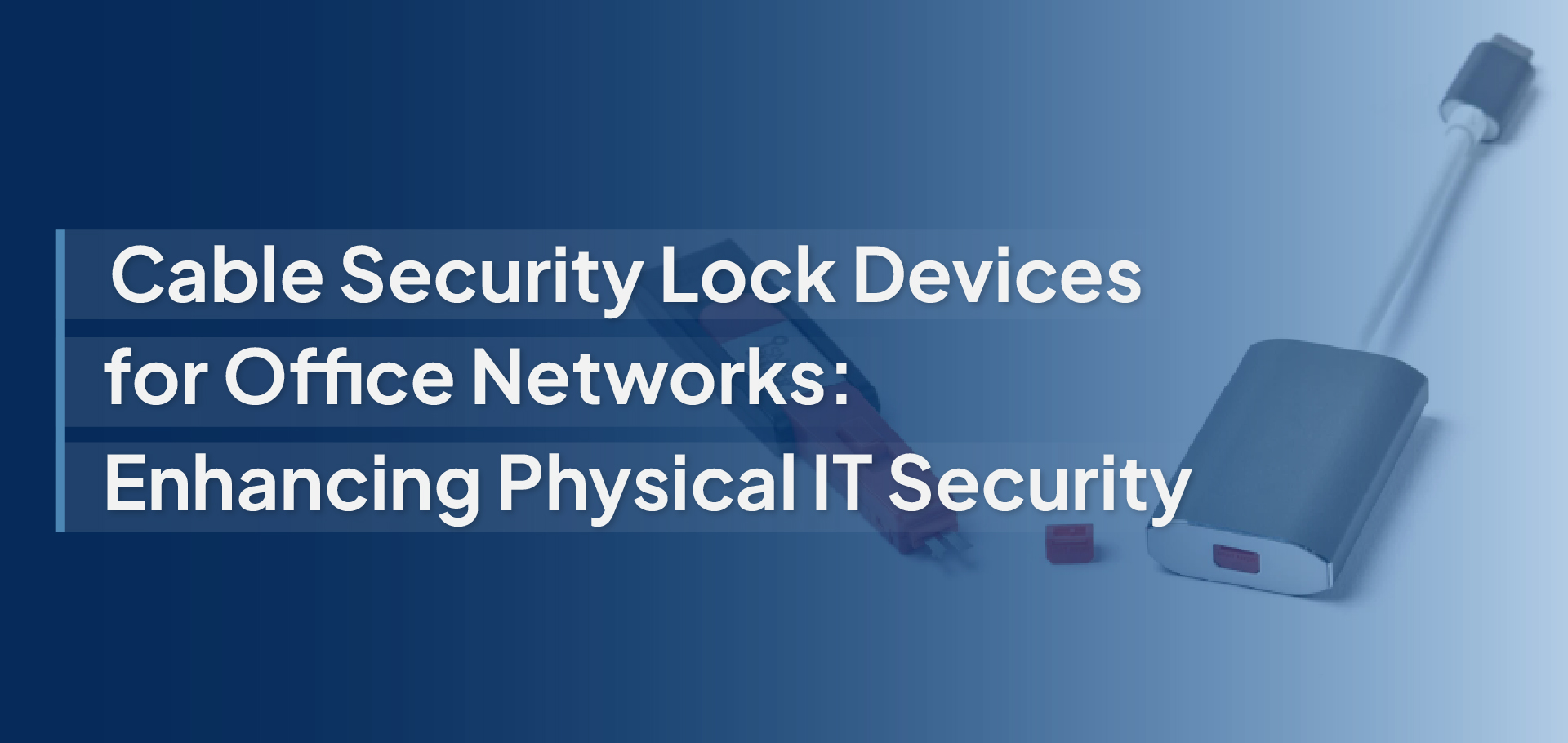
Cable Security Lock Devices
Office networks are protected by firewalls, encryption, and advanced software, yet one of the biggest security risks often sits in plain sight: exposed cables and open ports. A single unauthorized connection or accidental unplugging can disrupt operations, compromise sensitive data, or create unexpected vulnerabilities.
Cable security locks offer a simple yet powerful way to strengthen physical IT security. By securing critical network connections, organizations can reduce risks, maintain uptime, and add an essential layer of protection that software alone can’t provide.
What Are Cable Security Lock Devices?
Cable security lock devices are physical locking mechanisms designed to protect network cables and ports from unauthorized access, accidental removal, or tampering. Unlike software-based security tools that operate within systems, these devices provide a hands-on layer of protection by securing the physical connection points of your IT infrastructure.
In office environments where multiple users share workstations, servers, or networking equipment, exposed cables can serve as easy entry points for data breaches or operational disruptions. Cable security locks help prevent unauthorized devices from being connected, reduce the risk of network interference, and ensure critical systems remain securely connected.
These solutions are commonly used to secure LAN cables, USB connections, HDMI or display cables, and power cords, making them an essential component of modern physical cybersecurity strategies. By controlling who can access and remove cables, organizations can maintain stronger control over their network environment while minimizing both intentional and accidental risks.
Why Office Networks Need Physical IT Security?
Modern organizations invest heavily in digital security, firewalls, endpoint protection, and advanced monitoring systems. Yet, one critical layer is often overlooked: physical access to network infrastructure. Open ports, unsecured cables, and easily accessible hardware can create vulnerabilities that software alone cannot prevent.
The Often-Ignored Security Gap-
Software Firewalls ≠ Physical Protection: While cybersecurity tools protect data within systems, they cannot stop someone from physically plugging into a network port or disconnecting critical hardware. An exposed LAN or USB port can bypass digital defenses, creating a direct entry point into the network environment.
Insider Threats & Accidental Disconnections: Not all risks come from external attackers. Shared office spaces, visitors, or even well-meaning employees can unintentionally unplug cables or connect unauthorized devices. These small actions can lead to downtime, data exposure, or system instability.
Common Risks Without Cable Locks-
- Unauthorized Device Plugging: Open network ports allow unknown devices to connect, increasing the risk of malware or unauthorized access.
- Network Sniffing or Data Interception: Attackers can connect to exposed cables to monitor traffic or capture sensitive information.
- Hardware Theft or Sabotage: Easily removable cables and devices can lead to equipment loss or intentional disruption of operations.
- Compliance Violations: Many industries require strict control over physical access to IT systems. Unsecured infrastructure may put organizations at risk of failing audits or regulatory standards.
Industries That Benefit Most-
Physical IT security is essential across multiple sectors, especially where sensitive data or critical operations are involved:
- Finance & Banking – Protecting transactional systems and confidential financial data.
- Healthcare – Securing patient information and connected medical devices.
- Government Offices – Preventing unauthorized access to sensitive infrastructure.
- Educational Institutions – Managing shared labs and campus networks.
- Corporate Enterprises – Safeguarding large-scale office environments and hybrid workspaces.
By combining physical safeguards with digital security strategies, organizations can close critical gaps and build a more resilient office network.
Cable Security Lock Devices
How SmartKeeper Cable Lock Solutions Strengthen Office Security?
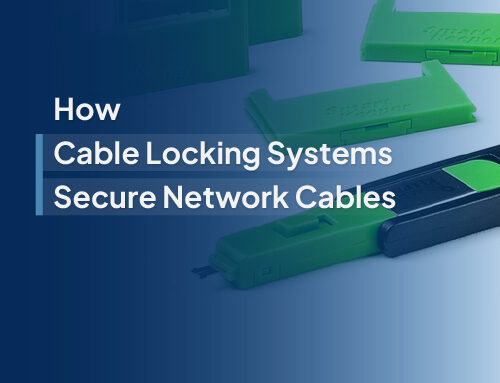
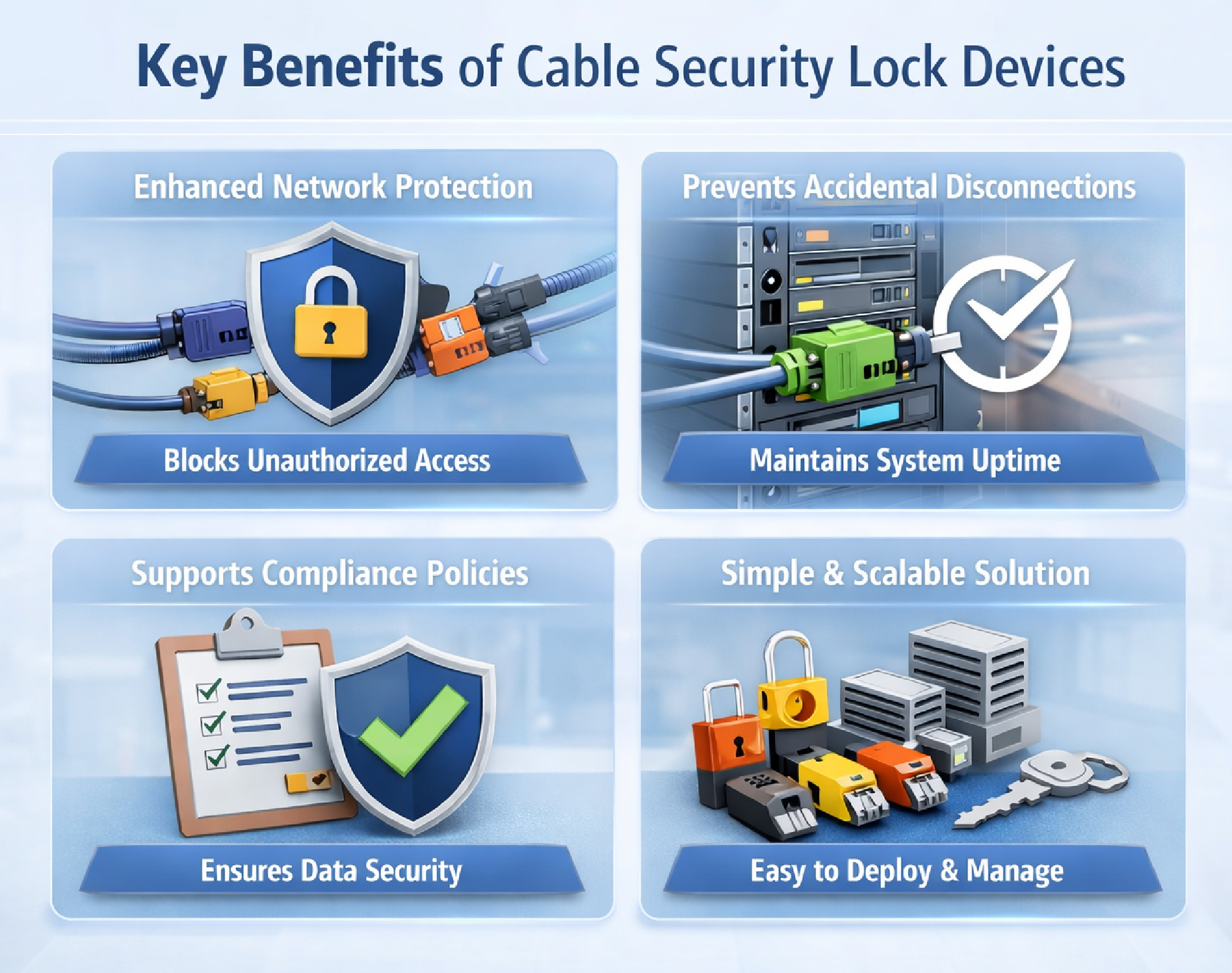
Protecting office networks isn’t only about restricting digital access; it’s also about controlling who can physically interact with critical infrastructure. SmartKeeper cable lock solutions are designed to add a practical layer of physical cybersecurity without disrupting everyday workflows. One of the key advantages is the color-coded lock system, which allows IT teams to organize and manage multiple devices and access levels with ease. This visual identification helps reduce confusion during maintenance while ensuring only the right cables or ports are accessed.
SmartKeeper solutions also use specialized removal keys that are issued only to authorized personnel. This controlled access approach minimizes the risk of unauthorized unplugging, device swapping, or accidental disruptions in shared office environments.
Built to integrate seamlessly into existing setups, these locks are compatible with standard enterprise hardware, making deployment simple across workstations, servers, and networking equipment. Their durable design ensures they perform reliably in high-security environments, where protecting sensitive data and maintaining uptime are top priorities.
By combining ease of management with strong physical protection, SmartKeeper cable lock devices help organizations reinforce office network security without adding complexity.
Best Practices for Implementing Cable Security in Office Networks
Introducing cable security lock devices is most effective when supported by a clear strategy. By following a few practical best practices, organizations can strengthen physical IT security while keeping operations smooth and efficient.
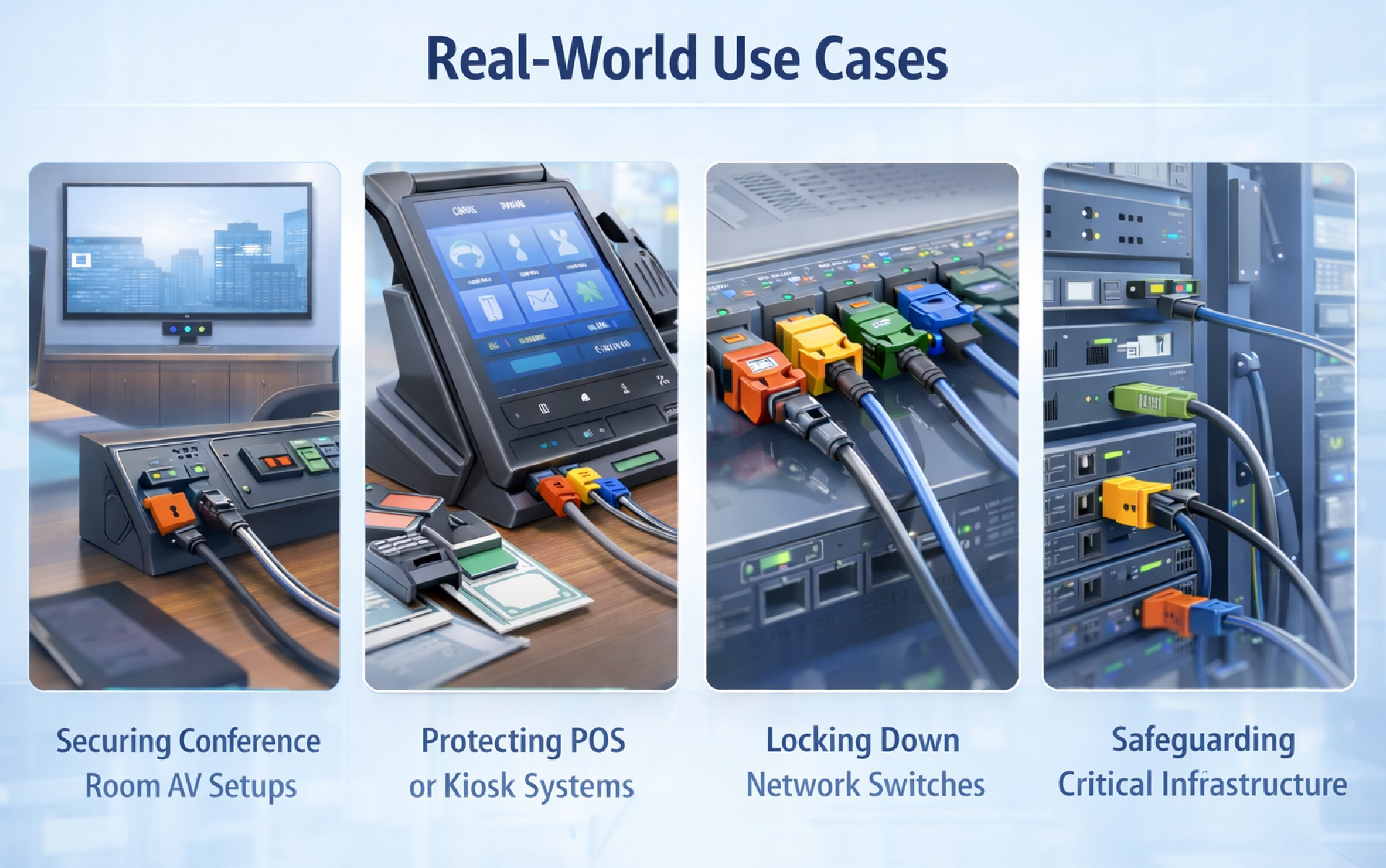
- Identify High-Risk Areas: Start by assessing where physical access poses the greatest risk. Spaces such as server rooms, reception desks, conference areas, and shared workstations often have exposed ports or frequently handled equipment. Prioritizing these locations ensures critical infrastructure is protected first and reduces the chances of unauthorized connections or accidental disruptions.
- Standardize Locking Policies: Consistency is key to effective security. Establish clear internal guidelines that define which cables and ports must be secured, who is responsible for managing access, and how keys or tools are distributed. A standardized approach makes it easier for IT teams to scale protection across multiple offices and maintain compliance with internal security policies.
- Combine Physical + Digital Security: Physical safeguards work best when integrated with existing cybersecurity measures. Pair cable locks with endpoint protection, network monitoring, and access control systems to create a layered defense strategy. This combination helps prevent both physical tampering and digital threats, strengthening overall network resilience.
- Train Employees on Physical Cybersecurity: Even the best tools can be ineffective without awareness. Educate employees about the importance of physical IT security, from avoiding unauthorized device connections to recognizing why certain cables or ports are locked. Simple training initiatives can significantly reduce accidental breaches and promote a culture of shared responsibility for workplace security.
Cable Security Lock Devices
The Future of Physical IT Security in Office Environments
As workplaces continue to evolve, so do the risks associated with physical access to IT infrastructure. Hybrid work models, shared office spaces, and an increasing number of connected devices mean that traditional security approaches are no longer enough on their own.
One of the key trends shaping the future is the shift toward layered security frameworks, where physical protection works alongside digital monitoring and access control. Concepts like Zero-Trust security are encouraging businesses to verify not only who accesses their systems digitally but also who can physically interact with network hardware.
At the same time, IT environments are becoming more distributed from remote offices to temporary workstations, making standardized physical security solutions increasingly important. Simple tools such as cables and port locking devices are gaining traction because they provide reliable protection without adding complexity or slowing down operations.
Looking ahead, organizations that invest in both digital and physical IT security will be better prepared to manage emerging risks, maintain compliance, and protect sensitive data in increasingly dynamic office environments.
Ready to strengthen your physical IT security? Explore SmartKeeper’s cable security solutions to protect your office network from physical vulnerabilities or contact our team to find the right protection for your environment.